Legendary Service. Since 1974.SM
In-dash DVD car stereos
5 total items
Our articles and videos
How to shop for In-dash DVD Car Stereos
In-dash DVD stereos play DVDs (and yes, CDs, too) and offer video playback from your phone, so you can watch movies and videos while parked. They can also send video to back seat screens while you're on the go. But which one is right for you?
Expert advice
Below is some basic info about shopping for a DVD receiver. For more detailed buying tips, be sure to read our car stereo buying guide.
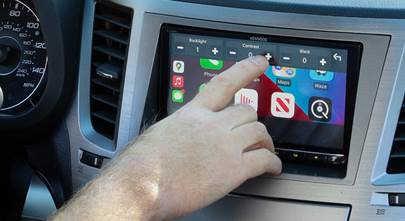
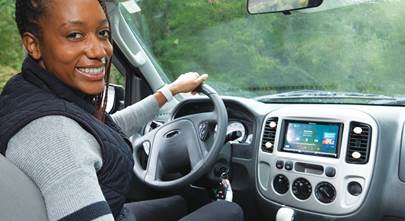
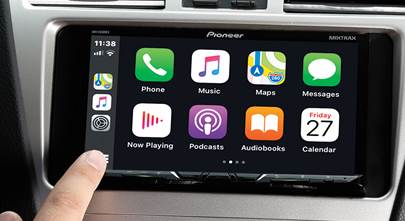
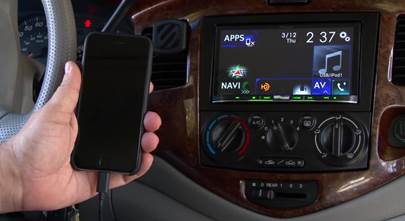
DVD receivers have a video screen, which is usually a touchscreen. Touchscreen controls make it tons easier to adjust the stereo and customize the settings. These stereos are usually double-DIN (4" tall) in size, but there are also some 2"-tall models that have either smaller screens or full-sized, fold-out screens. DVD stereos tend to have more features than non-touchscreen car stereos, often including Android Auto or Apple CarPlay for the best smartphone integration.
Before you get too distracted by all of the options and models available, it's important to know which stereos will work in your car. That's just one of the reasons we ask you to tell us what you drive — it'll make your shopping easier.
What to look for
When shopping for a DVD receiver, make sure the stereo you're considering has the options you want. Here are a few features to look for:
- Bluetooth connectivity for hands-free calling and music streaming. This is almost a standard feature, but there are still a few DVD stereos out there without it.
- Apple CarPlay or Android Auto compatibility – Many stereos will do both. If you want to learn more about this topic, read our articles about Android Auto and Apple CarPlay.
- Wireless CarPlay or Android Auto – Most stereos require a USB connection to your phone in order to use CarPlay or Android Auto, but some offer the greater convenience of a completely wireless connection.
- A volume knob – This is big deal for some of us.
- Voice control – One of the newest features in car stereo, some DVD receivers incorporate Alexa or Siri voice commands when connected to your phone.
Popular questions customers ask
You have two options for adding GPS navigation to the stereo. First, Android Auto and Apple CarPlay let you use your favorite GPS app including Google Maps and Waze. If you want GPS navigation without tying up your phone, you'll have to upgrade to a new stereo with built-in navigation.
Yes, when connected via USB or Bluetooth. And if you're using CarPlay or Android Auto, you can control most music apps from the stereo's touchscreen for a "true" car stereo feel.
We've disassembled the dashes and door panels of thousands of vehicles and measured every space and bolt pattern. Our vehicle database is unmatched. So when we say the stereo fitsàwe know it does. We'll also make sure you get the right installation gear when you order.
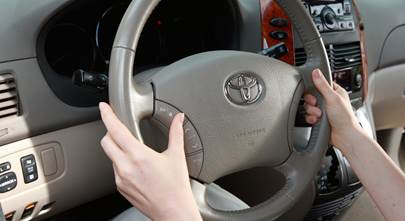
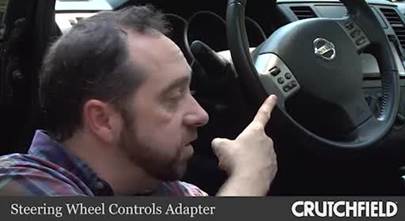
You'll need a special adapter to keep those handy buttons working with your new stereo. When you're shopping on our site, we'll show you your options for installation hardware when you put the stereo in your cart.
Most DVD stereos will work with your existing backup camera. If you don't have one already, you'll find compatible backup cameras under the stereo's "Accessories" tab on our site.