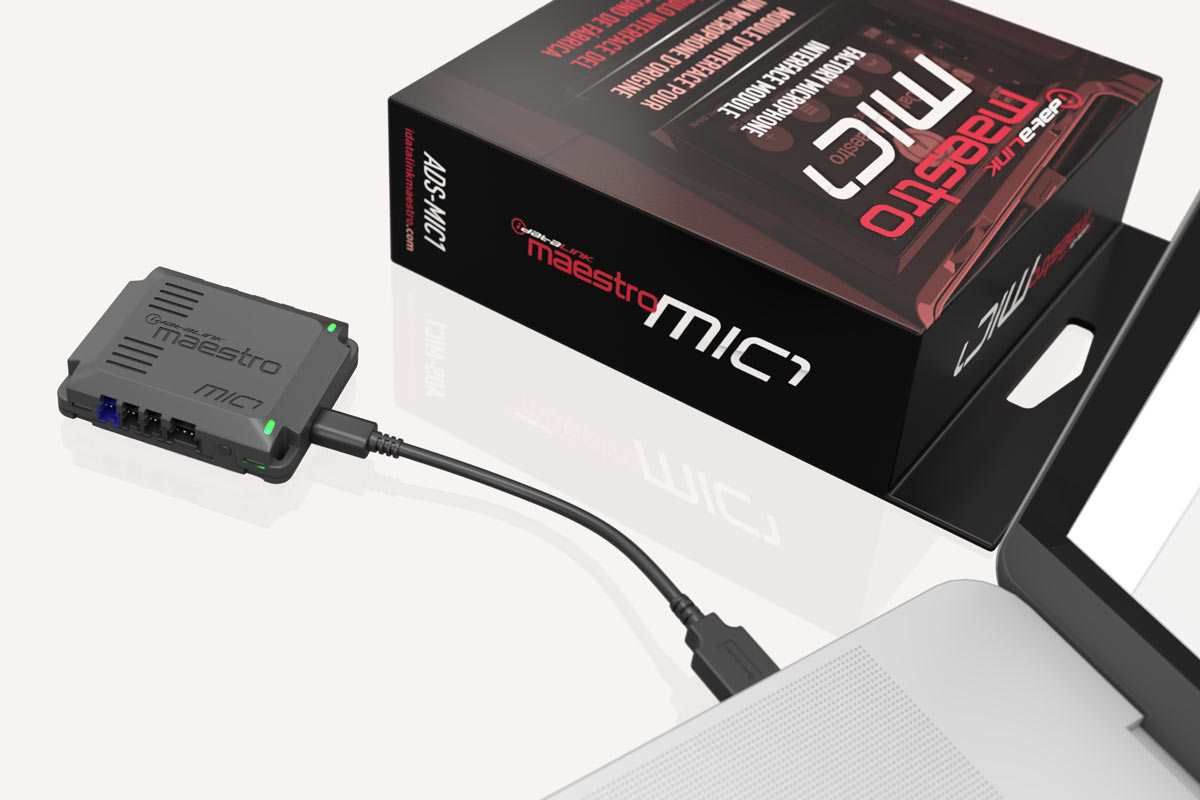
Add a new car stereo, keep your car's factory Bluetooth® microphone
An ADS iDatalink Maestro interface makes it possible

In this article, we'll explain how the iDatalink ADS-MIC1 module can help you install a new stereo and retain your vehicle’s built-in Bluetooth microphone.
Upgrading your car stereo means spending some time and effort to get the features you want while retaining as many of your vehicle's factory features as you can. The iDatalink ADS-MIC1 module is an important part of that upgrade.
Most aftermarket car stereos now include Bluetooth connectivity for hands-free calling and wireless music streaming. They also offer a wired mic that you plug into the back of the stereo and mount during installation. But most modern vehicles already have a microphone that was designed to work with the factory Bluetooth system. ADS has come up with a way to use that mic, already integrated nicely within your vehicle’s interior, with a variety of aftermarket stereos. That means no more running a new mic wire and finding a spot to mount the mic.
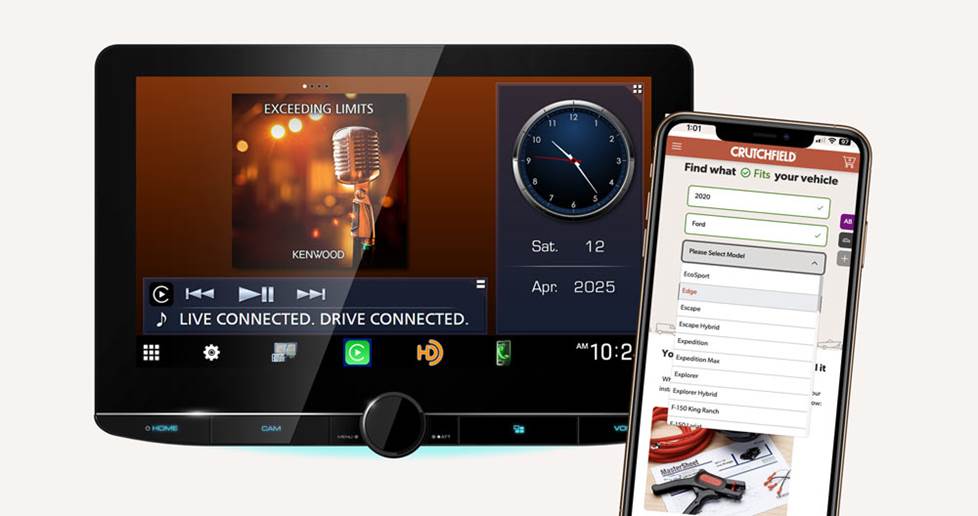
Crutchfield's vehicle selector helps determine if the ADS-MIC1 is compatible with your vehicle.
How the ADS-MIC1 works
To gain the benefits of the ADS-MIC1, you'll need three things:
- A vehicle that’s compatible with iDatalink gear. How do you know if you have one? Check out Crutchfield’s vehicle selector.
- An iDatalink-compatible car stereo with an external microphone input — all of the iDatalink-compatible receivers we carry offer this
- Either the iDatalink Maestro RR, Maestro RR2, or Maestro SR module depending on what’s compatible with your vehicle
- Access to a PC, so you can load or “flash” vehicle-specific firmware onto the MIC1 module
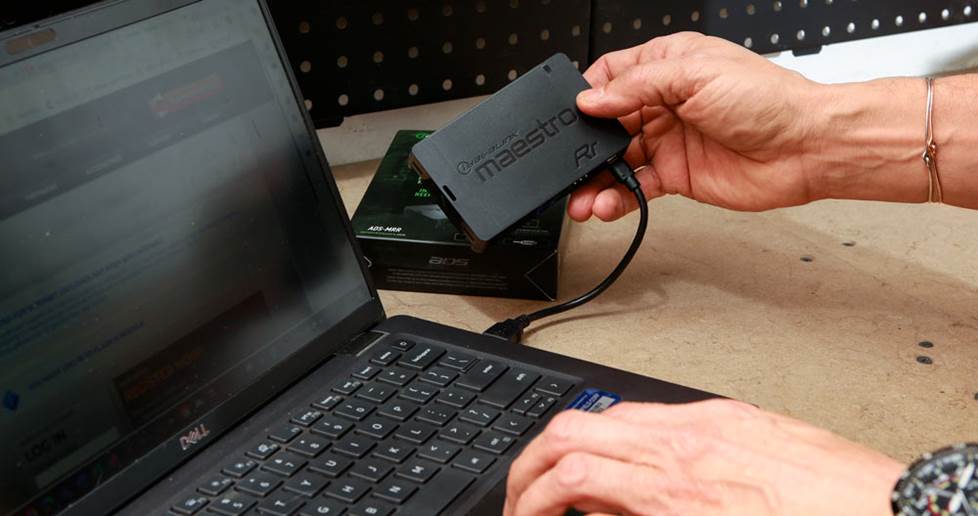
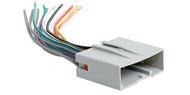
Flashing the iDatalink ADS-MRR car stereo replacement interface module
You'll download the firmware for the MIC1 module (also known as "flash") from a computer so it can communicate with your vehicle, just like you would with the iDatalink ADS-MRR car stereo replacement interface module.
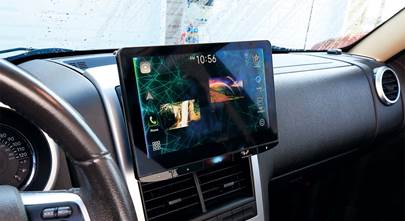
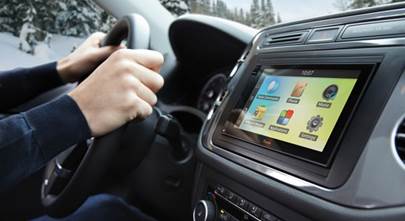
With that gear, you'll be able to enjoy the advantages of an aftermarket touchscreen receiver, keep the factory mic in play, and save a little installation time since you don’t have to connect the mic that came with the receiver.
Can you really get excited about an interface with one function?
If you ask our Vehicle Integration Buyer, Darren, he’ll emphatically tell you, “Yes!” When he told us that this interface was on its way, he also explained that it's something that many of ADS's customers, as well as our customers, have wanted.
Additionally, retaining your factory microphone will typically result in better audio quality because it's tuned for the vehicle.
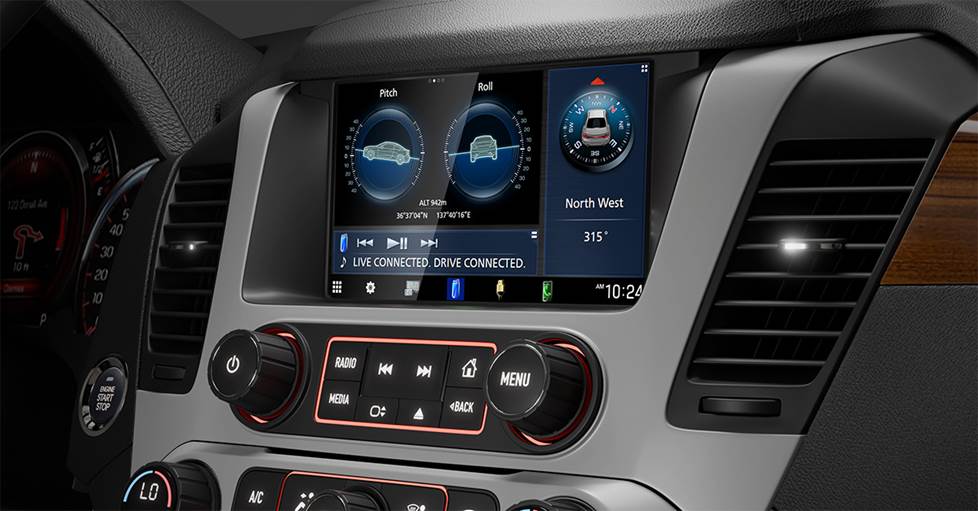
Direct Replacement receiver solutions keep that factory look and feel, so it's only natural that the ADS-MIC1 follows that formula by retaining the factory microphone.
Part of a larger system
While the ADS-MIC1 module covers one aspect of integrating a new car stereo in your ride, it also can be part of a larger interface solution that covers other aspects of factory feature retention. Our lineup of Direct Replacement receivers and ADS iDatalink APX installation packages can often be used with the MIC1 module, and the number of compatible vehicles continues to grow.
Shop for your iDatalink solution
iDatalink is continuously adding more vehicles and features to their programming compatibility. They also offer a few dash kits to go along with their interfaces. Just select a receiver with an iDatalink serial port and use Crutchfield's vehicle selector to see if we have an iDatalink solution for you.
And if you need more info about adding a new stereo to your ride, you can call or chat with one of our knowledgeable Advisors. They'll be happy to help you pick the right solution for your car.






Comments (0)