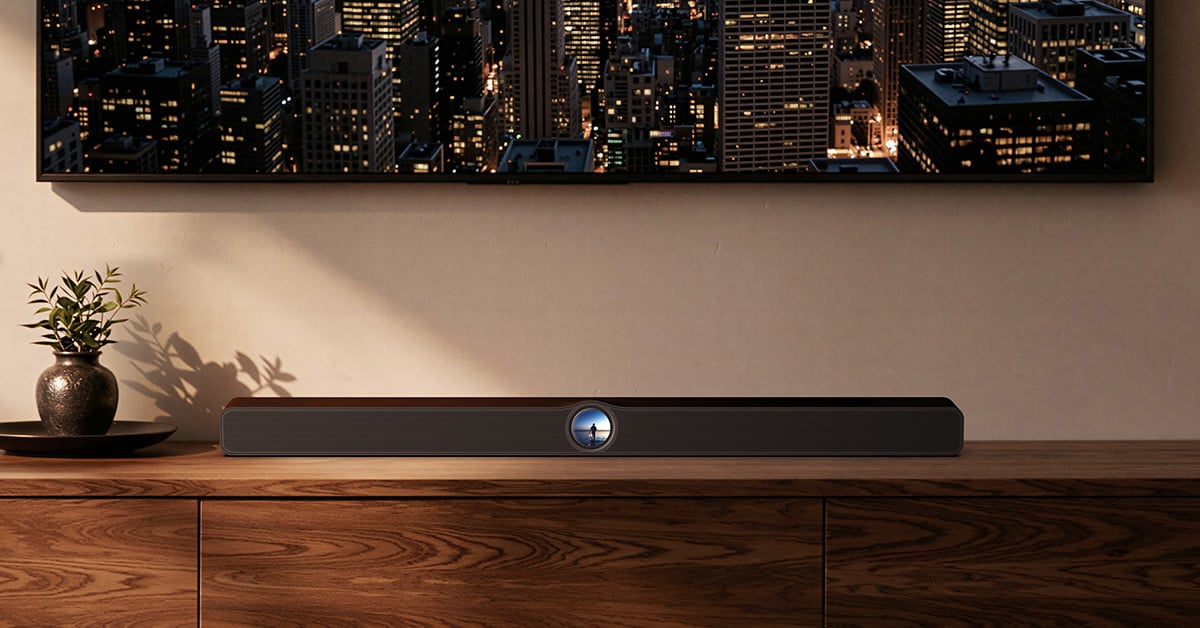
WiiM Bar sound bar review
Testing the friction-free streaming platform's home cinema setup

I
had high expectations for WiiM's Bar. That's because of WiiM’s excellent connectivity and overall user experience, as well as their relatively affordable prices and great sound — all important reasons why I use WiiM stuff in my own home, and why it's been so popular with Crutchfield customers.
The Bar is a 3.0.2-channel sound bar that sounds really good, especially considering the price. It's a visually appealing sound bar with powerful tools you can control with a user-friendly app. And it's easy to wirelessly group it with other WiiM players around your home.
It also gives you options for setting up a wireless Dolby Atmos surround sound system with a minimum of fuss.
Setting up the Bar with the app
The Bar connects to your home network using Wi-Fi or Ethernet, and it's super-easy to set up with the app. WiiM is justly well-known for their app — it's easy to use, has powerful features you often have to pay for in other components, and is regularly updated based on WiiM user feedback. It's one of the best control apps I’ve used, and I’ve tried a lot.
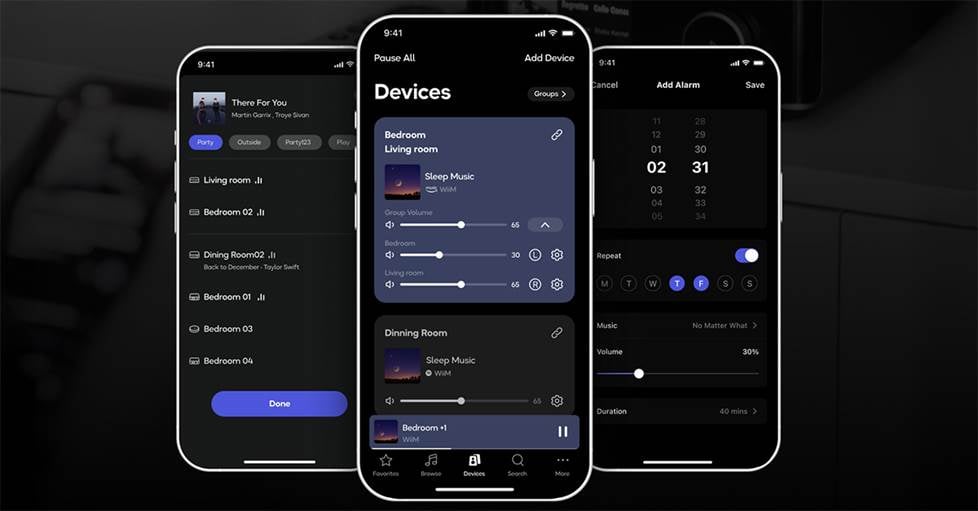
The user-friendly WiiM control app makes it easy to set up and configure the Bar.
I suspect that most people will use the app with the Bar mostly to configure their systems — like adding a subwoofer and/or a pair of WiiM Sound speakers as rear surrounds. It is also useful for running the easy RoomFit calibration and switching between Movie, Voice, Music, and Night sound modes to best suit whatever you're listening to.
And you'll also use the app if you want group it with other WiiM players around your home for whole-home audio.
A useful, full-color touchscreen display
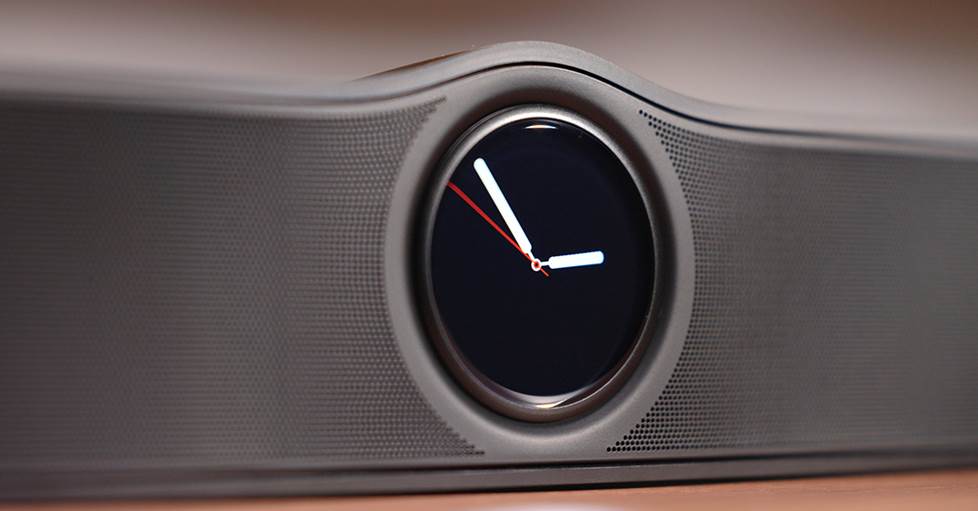
One thing you might’ve noticed that sets this sound bar apart is its touchscreen display. The screen adds a modern touch to the minimal design of the sound bar and it looks great.
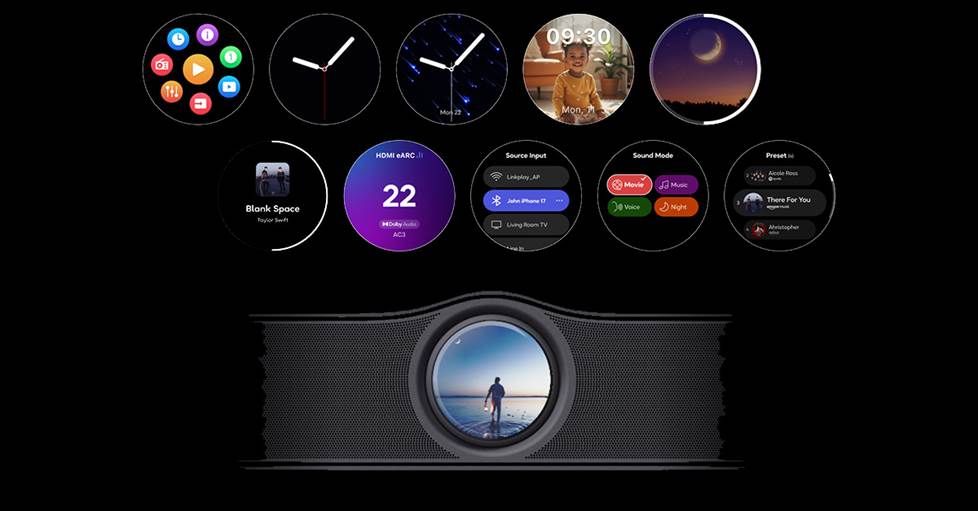
The Bar's customizable full-color touchscreen shows track info and lets you select your input, choose sound modes, and play presets with a simple finger-tap.
If you’re playing music, you can see album art and track info. And for changing settings quickly, you can just tap the screen to change input and output. You can play music from your most recently played list and change the dialog mode without opening the app or using the remote.
And you can turn the screen off if you don’t want it to distract you while you’re watching TV or gaming.
Remote control
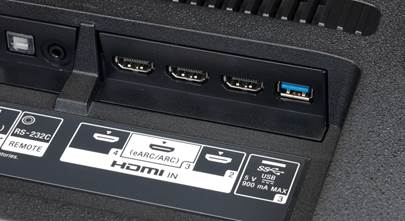
For TV sound — if you're using the HDMI eARC connection between the Bar and your TV — you can just use your TV remote to control the system volume.
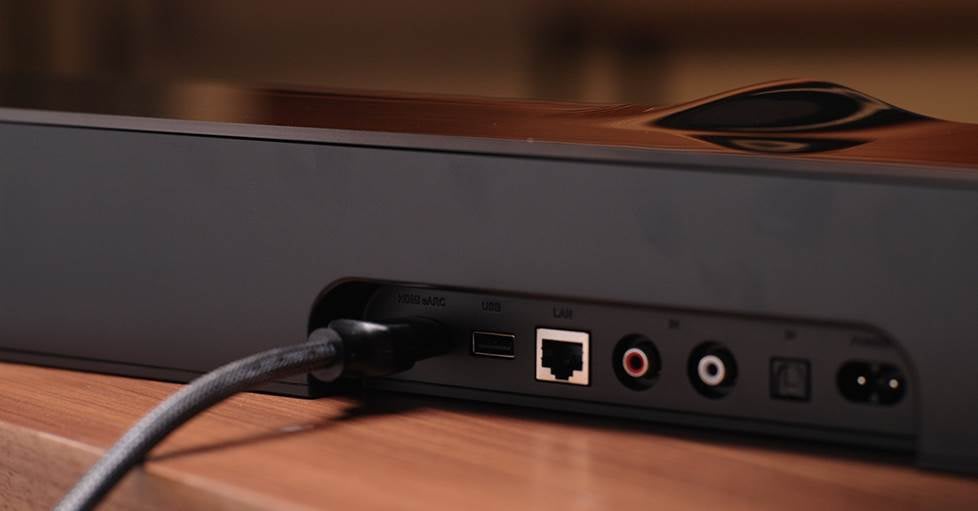
You can use your TV remote to control the Bar's volume if it supports HDMI eARC.
But the included streamlined aluminum WiiM remote gives you another way to control music playback without having to open the app. Use the buttons or the built-in voice control options you can set up with Amazon's Alexa or Google Assistant. You can also pair it with any other WiiM devices you've got.
How does the WiiM Bar sound?
We set up the Bar in our video studio — alone and with a pair of Sound Lites as wireless surrounds plus a WiiM Sub Pro in a 5.1.2 Dolby Atmos setup.
Alone, this sound bar is a huge improvement over the TV’s built-in speakers. Adding the Sound Lites as rear surrounds and the Sub with the app was easy. Then we ran the RoomFit calibration and within minutes were able to check out a few scenes and play a few tracks.
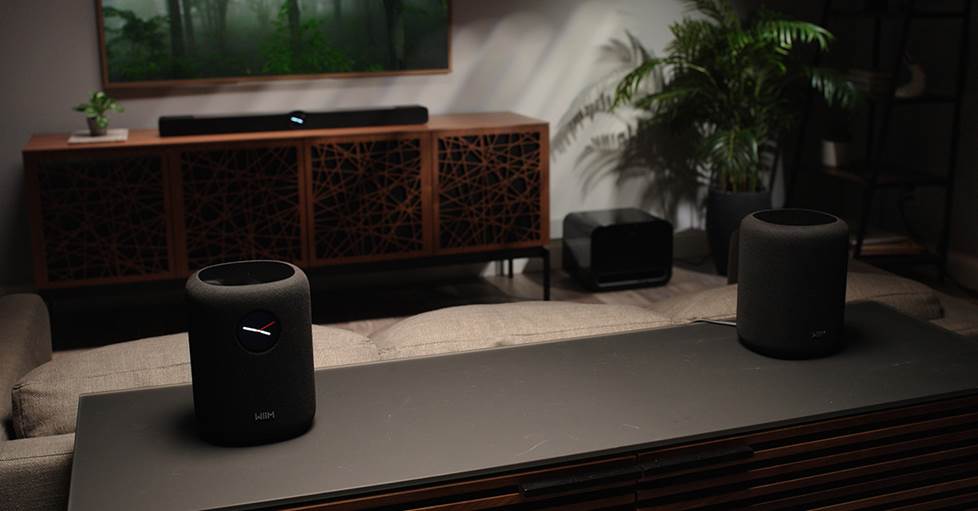
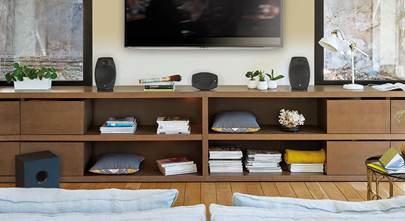
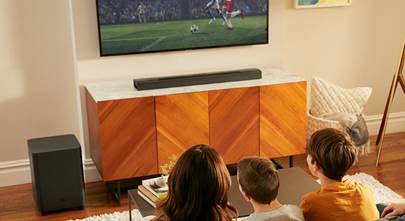
Shown here in a 3.1.2 setup — one of the easiest and most affordable ways to get wireless Dolby Atmos surround sound.
My first impression is that it sounds great. It's not the same as a powerful Dolby Atmos home theater system that has dedicated speakers for every channel spread throughout your room.
But in the right space — smaller to medium-sized rooms — this system sounds fantastic. The rear surrounds clearly make themselves known while blending cohesively with the Bar. And the Sub adds substantial bass while taking some of the burden off the Bar, giving dialogue and height effects a boost in clarity.
Other WiiM surround sound options
You can configure any of WiiM’s streaming amps to power a pair of passive speakers as rear surrounds. Maybe you even have an extra pair of speakers already (like I do).
You can also get a wider front soundstage if you use a pair of WiiM speakers for your front left and right channels and designate the Bar as a center channel speaker with the app.
No AirPlay?
I'm an Apple user, but for me the lack of AirPlay support in the Bar isn't a big deal. The sound quality, response time, and connection stability are noticeably better than AirPlay when you stream using the WiiM Home app or the Connect feature in Spotify, TIDAL, and Qobuz.
That was my experience with every WiiM model with AirPlay (which includes the Mini, Pro, Pro Plus, and Amp) up to this point.
Should you get a WiiM Bar?
I would recommend the Bar as both a solid sound upgrade from your TVs's built-in speakers and an easy entry to one of the most user-friendly and affordable streaming systems available. You can get the Bar alone, or save money if you get it bundled in 3.1.2 (with a subwoofer) and 5.1.2 (with a sub and two rear surrounds) configurations.
If you've already got WiiM gear at home, the Bar can become part of your synchronized wireless whole-home music system.
If you don’t have any WiiM streamers or any network streaming and you like the idea of whole-home wireless audio, this is a great way to test the waters.
WiiM Bar performance details
- 135 watts total system power
- three 4-1/3” x 2” woofers, three front-firing 2” tweeters, and two 2” up-firing drivers for height effects
- four 4-1/2” x 2” passive radiators for rounding out bass
- HDMI eARC input for seamless TV integration
- optical digital and analog stereo RCA inputs and USB-A port for connecting a storage drive loaded with music files
- Ethernet port for optional wired connection to your home network
WiiM app details
- control and group with other WiiM devices (sold separately) on your network
- AI RoomFit™ built-in room correction optimizes your system's sound
- supports Spotify Connect, TIDAL Connect, Qobuz Connect, and Google Cast
- play music from Amazon Music, iHeartRadio, SoundCloud, local NAS libraries, and more
Want to learn more?
If you want to learn more about the WiiM Bar or any other WiiM components, please get in touch with our friendly, knowledgeable Advisors. And remember: all of your Crutchfield purchases come with free lifetime tech support.




Comments (0)